

National Society of Black Engineers
Southern Illinois University Carbondale Chapter
Mission Statement
To increase the number of culturally responsible black engineers who excel academically, succeed professionally, and positively impact the community.
Quote of the week
“Don’t sit down and wait for the opportunities to come. Get up and make them” – Madame C.J. Walker
About Us
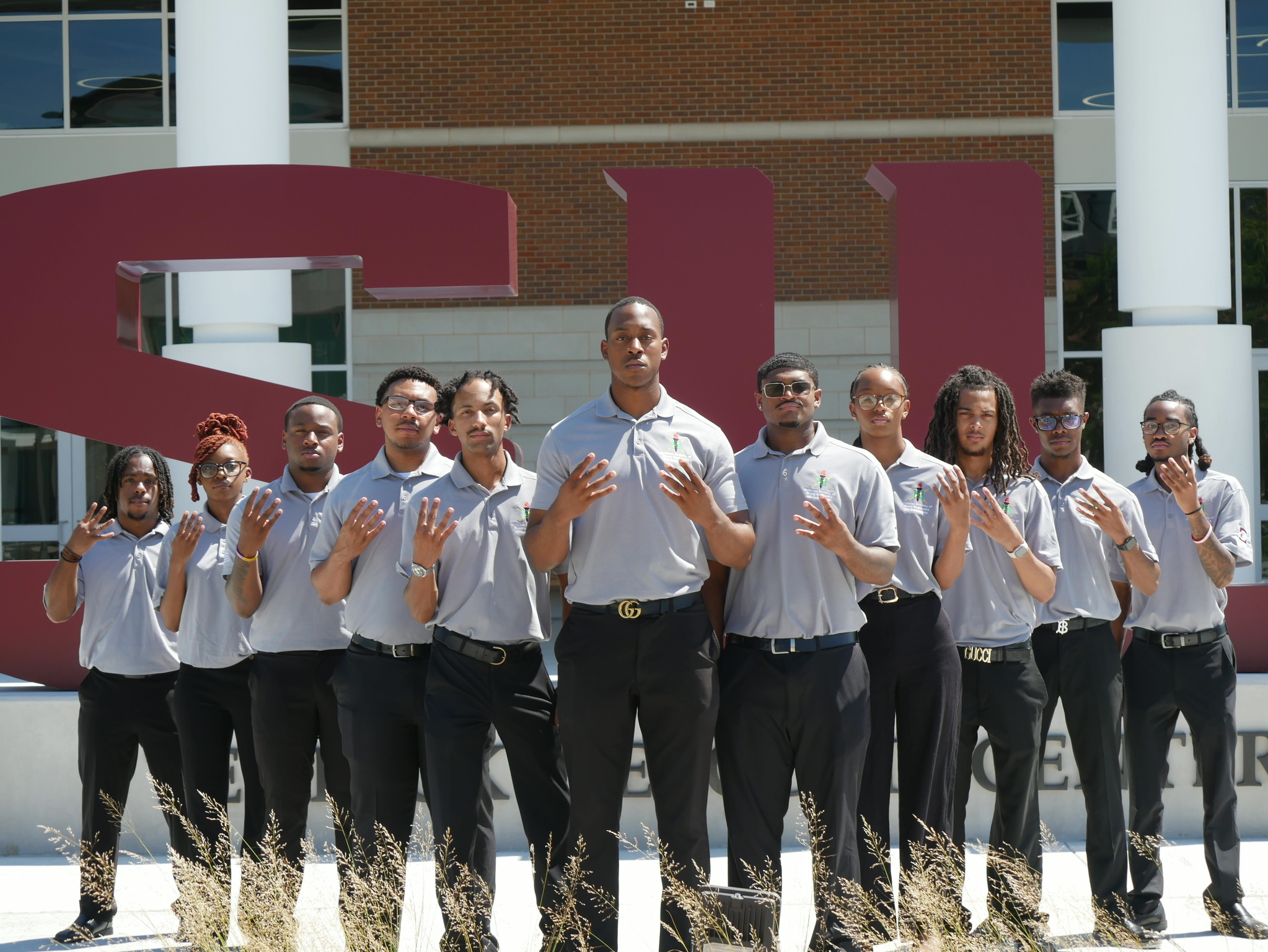
The National Society of Black Engineers (NSBE) at Southern Illinois University Carbondale is dedicated to academic excellence, professional development, leadership development, and community engagement. Our chapter supports students pursuing STEM careers by providing networking opportunities, professional resources, and a strong community of future engineering leaders.
Upcoming Events
Fall Regional Conference Prep Workshop
Pie a NSBE Member
Hot Chocolate Social
Food Drive
Locations and Times
Seed Office A120- Engineering Building
November 9th, 5:00-9:00pm
Engineering Breezeway
November 10th, 11:00am-1:00pm
Engineering Breezeway
November 18th, 11:00am-1:00pm
Collection boxes located at Engineering Breezeway and Student Center
November 2nd-30th
Join NSBE
Joining the National Society of Black Engineers means becoming part of a supportive community dedicated to helping students succeed academically, professionally, and personally. Whether you’re looking to build lifelong connections, develop leadership skills, explore career opportunities, or make an impact on campus and in the community, NSBE provides the resources and network to help you reach your goals.
Benefits of Membership
• Professional Development Workshops that help prepare you for internships, careers, and graduate school
• Leadership Opportunities within the chapter, region, and national organization
• Networking with fellow students, alumni, and industry professionals
• Access to Internships, Scholarships, and Career Resources
• Academic Support, Mentorship, and Study Groups
• Opportunities to attend Regional and National NSBE Conferences
• Community Service and Outreach Programs
• A welcoming and supportive network that feels like family
NSBE Resources
Sponsor Our Chapter
The Southern Illinois University Carbondale Chapter of NSBE welcomes partnerships with organizations that support student success, professional development, and STEM diversity initiatives.
Your support helps provide members with access to conferences, leadership development opportunities, community outreach programs, and professional networking experiences.
Contact Us
Email- nsbe@siu.edu
Instagram-siuc_nsbe